


Diverse Range
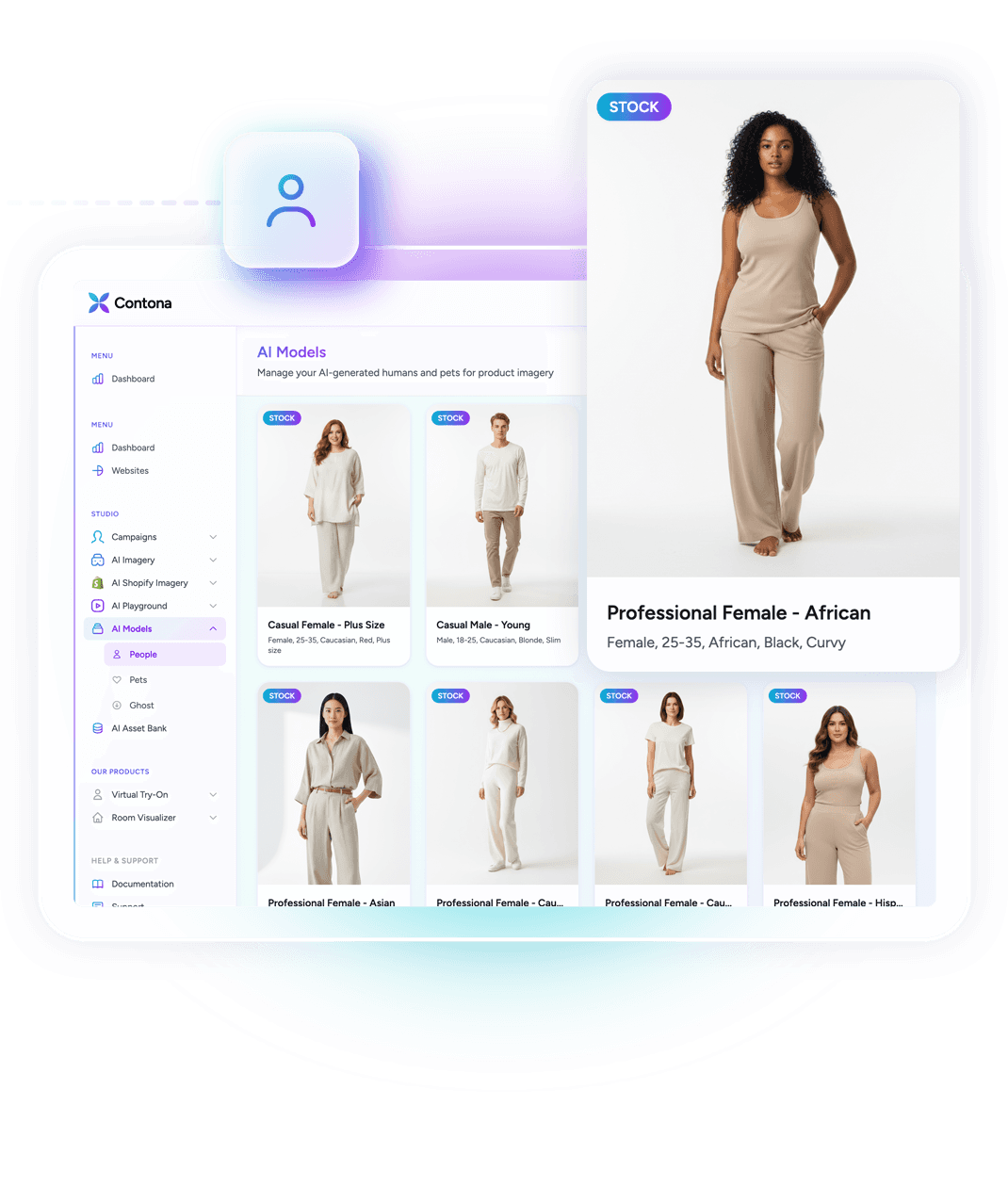
Stock Models
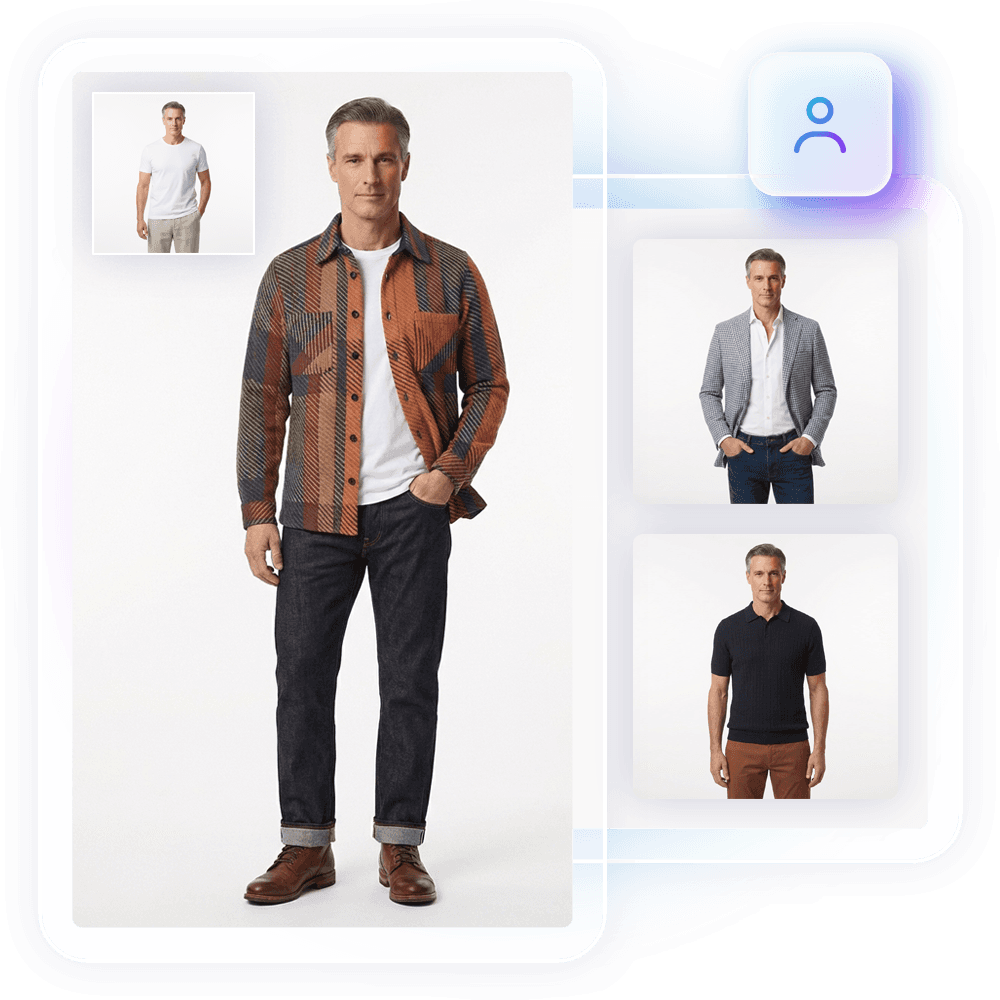
Access a curated library of human models spanning different demographics, body types, ages, and poses, all optimized for AI product generation. Find the right fit for your brand and audience without the cost or logistics of a traditional casting process.
Full Control
Custom Uploads
Upload your own model photography, real people, brand ambassadors, or AI-generated figures. Once in your library, custom models are available across every Product Shots generation, keeping your vizual identity consistent from campaign to campaign.
Beyond Human
Pet Models
Selling pet accessories, clothing, or products? The Model Library includes pet models so you can showcase items on dogs, cats, and other animals with the same AI-powered quality as human model shoots, no treats required.
What is the Model Library?
What is the Model Library?
The Model Library is your collection of human models, pets, and AI-generated figures used across Product Shots. It includes a stock library of ready-to-use models as well as the ability to upload your own, giving you full control over who represents your products.v>
Can I upload my own models?
Can I upload my own models?
Yes. You can upload custom model images, whether they are professional photography of real people, pet photos, or AI-generated figures. Once uploaded, they become available across all your Product Shots generations so you can maintain a consistent look.v>
Can I use the same model across multiple products and campaigns?
Can I use the same model across multiple products and campaigns?
Absolutely. Any model in your library stock or custom, can be reused across unlimited product generations and campaigns. This makes it easy to build a cohesive brand identity across your entire catalogue without rebooking photoshoots.v>
How does the Model Library work with ghost mannequin mode?
How does the Model Library work with ghost mannequin mode?
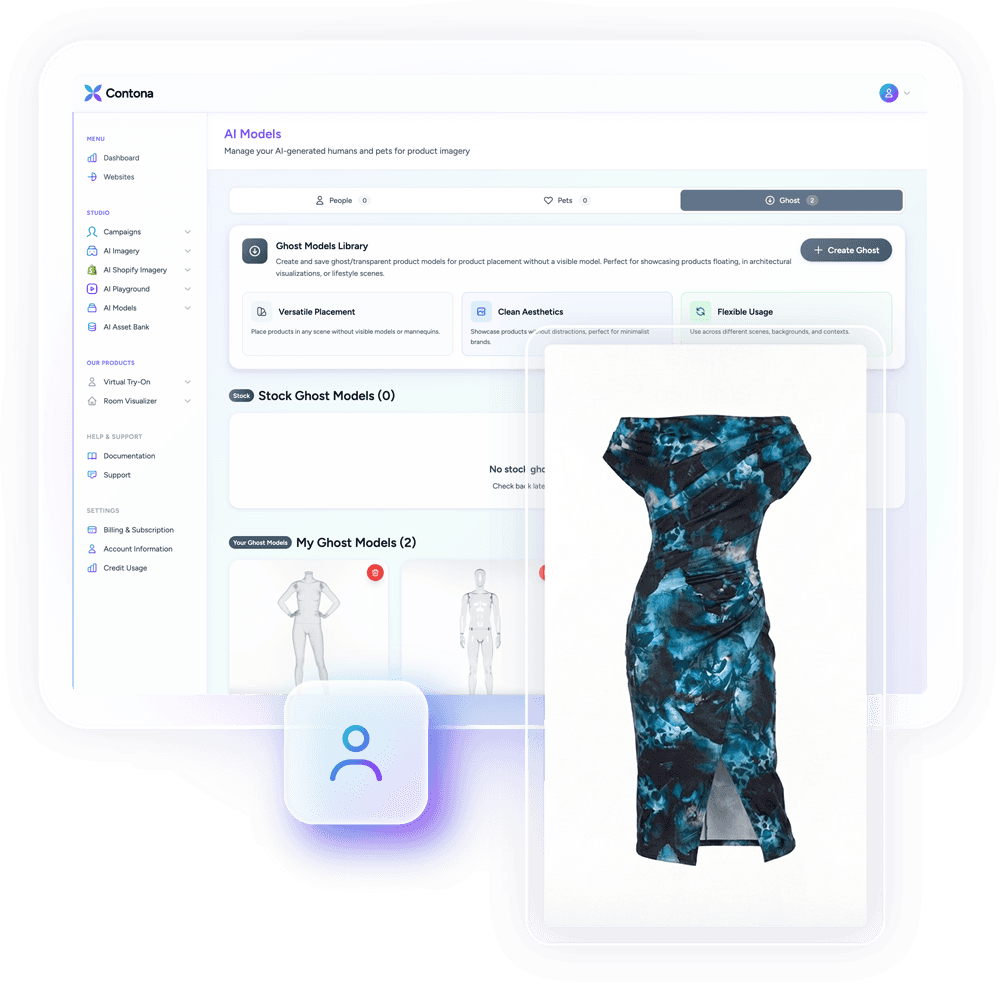
Ghost mannequin mode doesn't require a model from the library at all, it removes the figure entirely to show the garment's shape on its own. If you have an existing photo of a person wearing the product, you can also use convert mode to remove the person and create a ghost mannequin effect from that image.v>